API Overview
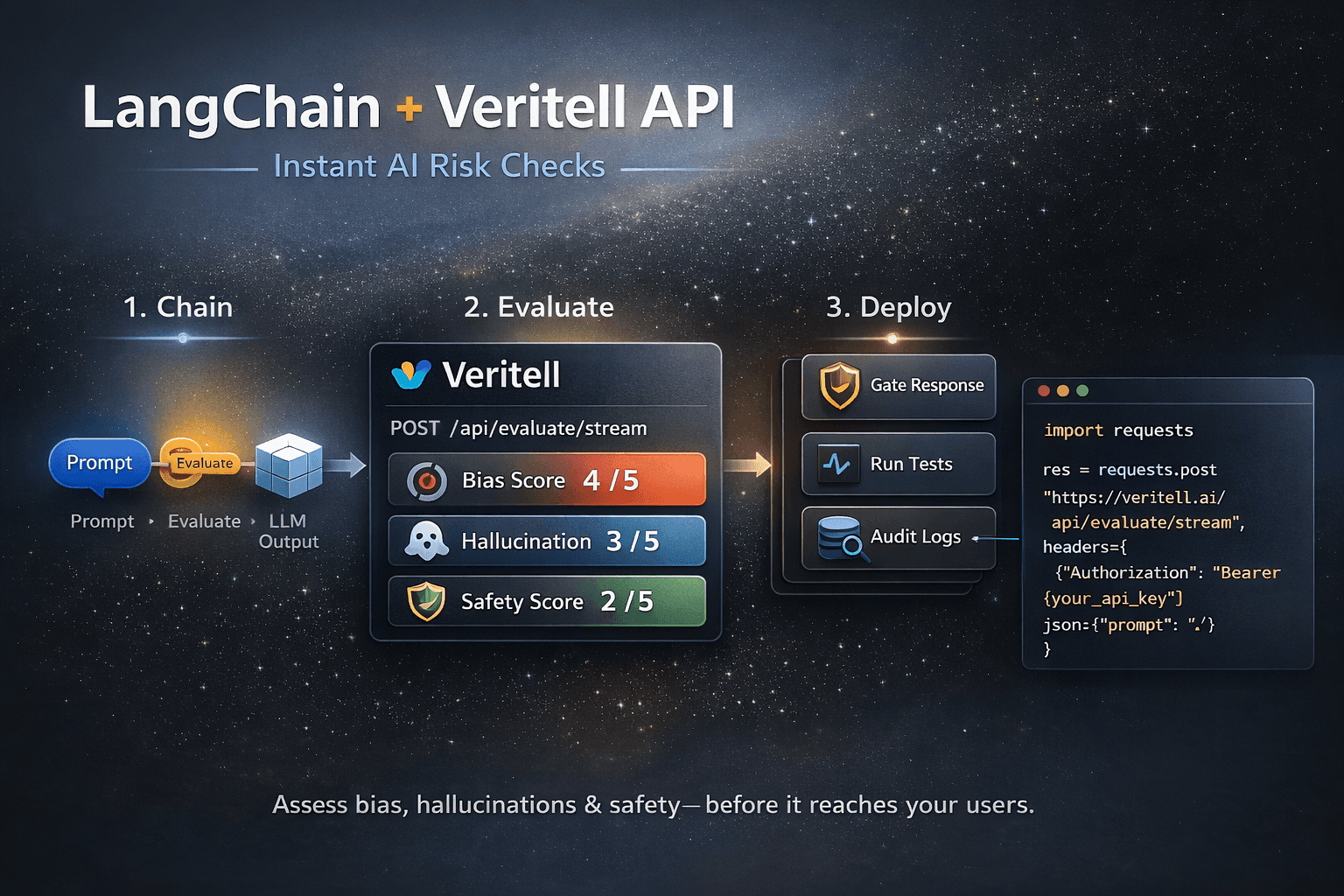
Start with the CLI and public examples for local workflows. Use the API when you want to integrate Veritell into your own application or automation pipeline.
1) Start with the CLI
Use the CLI and public examples to understand the workflow before wiring Veritell into your own app.
Open CLI quick start →2) Get an API key
Generate and manage your API key from your account settings. You’ll use it in the Authorization header for API requests.
Get API key →3) Read the developer docs
Endpoints, request-/response examples, SDK usage (if available), and best practices for handling errors and retries.
Open developer docs →Quick start
- Review the CLI quick start in Docs.
- Create a token in Account.
- Follow the guides in Developer docs.
- Make a test request and confirm you receive a valid response.